
Avira | Browser Extension
Avira Safe Search is a browser extension that works like Google search. It is a best-in-class search engine which looks for safer and relevant matches based on your query. It protects you from malicious websites and invisible trackers and helps you browse securely.

Avira Safe Search
When I took over Safe Search as a product designer, it had limited features and a very basic structure which was outdated and needed UX rework. I led the product design and created flows, wireframes, motion and visual design for this project.
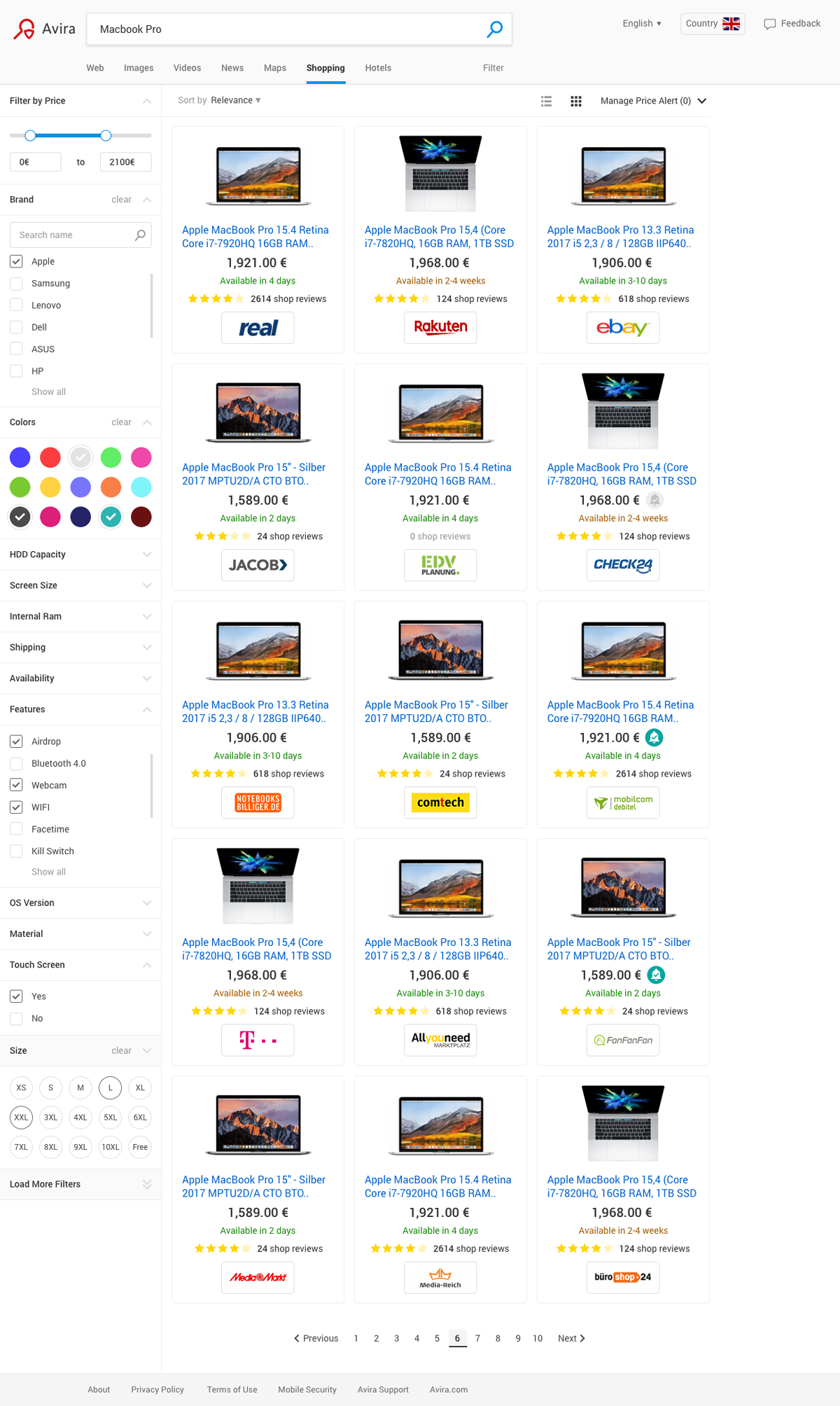
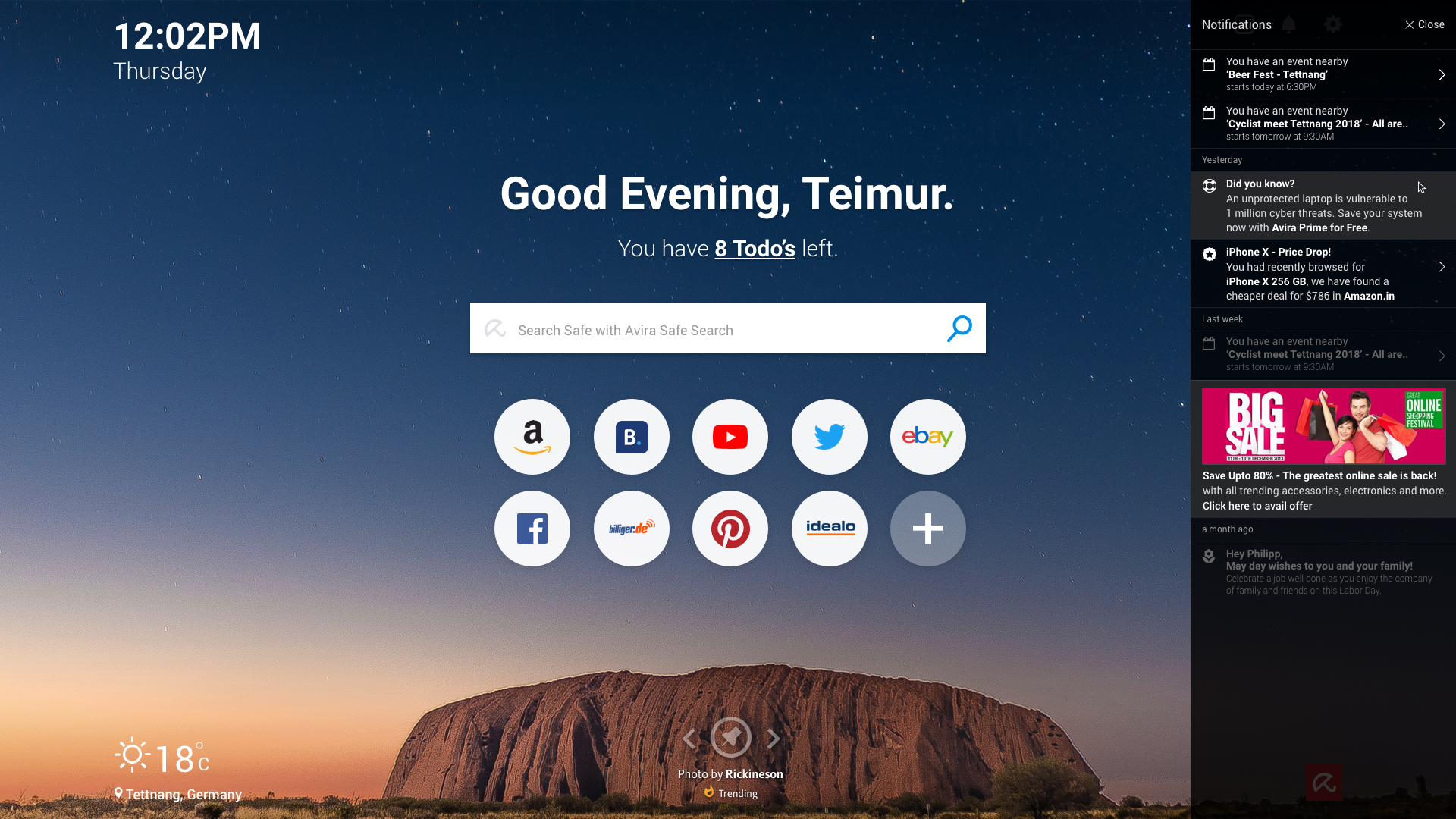
To make Safe Search great again, I had to bring the whole team together to support me in adding new and exciting features that added value to the search engine. Features like:


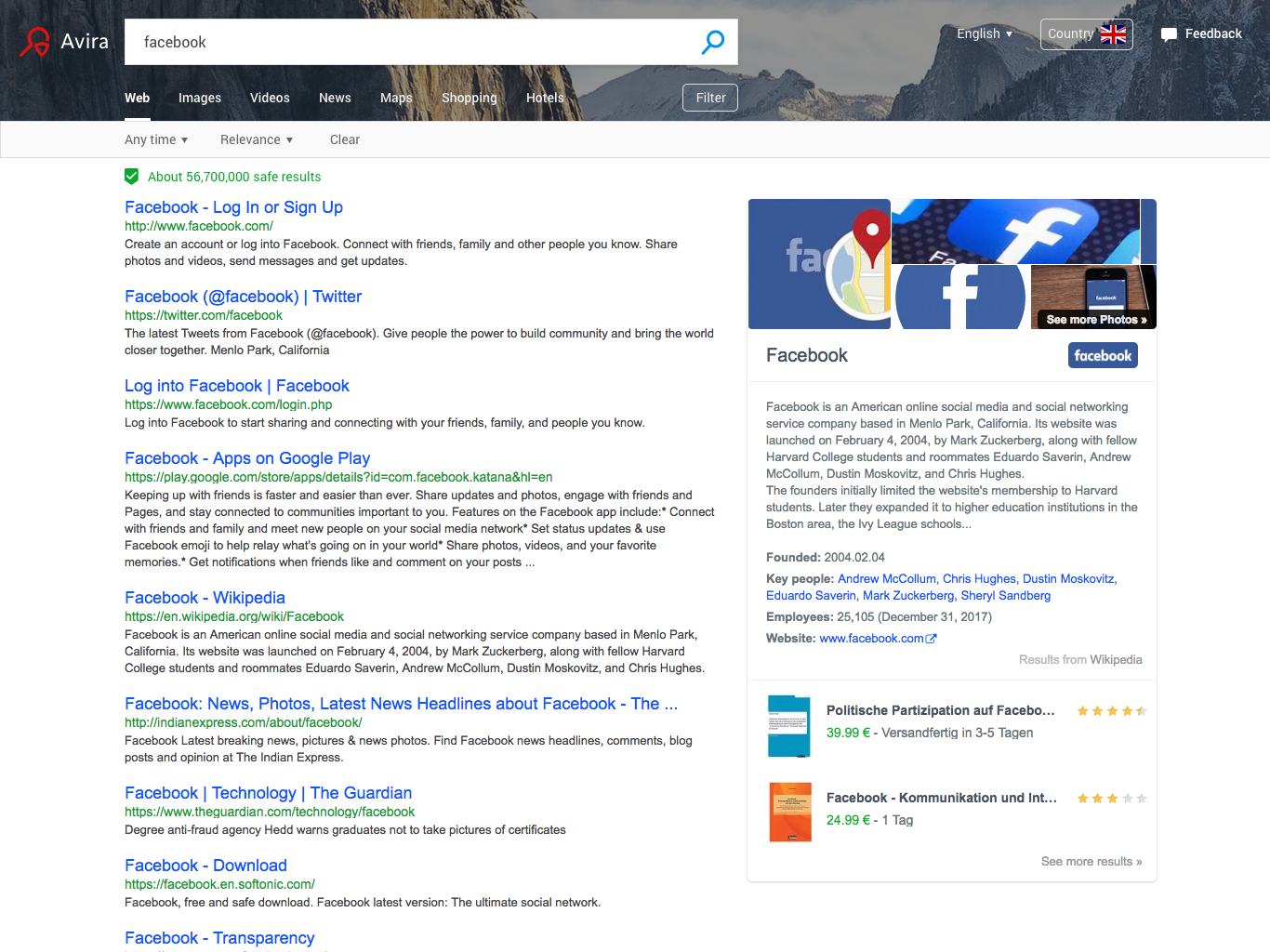
Comparison between the visual design and wireframe
Our competitors like Bing and Google were miles ahead in terms of features and usability. We needed to make our product not only user-friendly but also appealing to the users, because at that time, search engines offered a lot of customization. We wanted to offer meaningful customizations that would help users manage their work better and also encourage them to use the search engine more.
Addressing all this and making sure the solution performs better than the current variant is a challenge. After all, we are talking about millions of users who are already using the search engine on a daily basis. The room for error needs to be low at any given time, as any churn of the user base can have a big impact on revenue.

Old Avira Safe Search visual design
The search page was plain and simple, but there was a lot of opportunity to increase the interaction with the extension. I did a competitor study to see where we are in feature parity and found out that we have a lot of catching up to do. We also saw the business impact of such features to be welcoming enough to try this. Additionally, there were a lot of issues in terms of contrast and usability which needed to be addressed with this change.
I started off by prioritising the features based on business impact and release calendar. To take it one step at a time to make sure it had maximum focus and time to do the usability testing. I planned for the A/B tests after the usability testing to put it against our current solution and see if the hypothesis is true.
I used MixPanel data to understand user behaviour and prioritized features accordingly. Key additions included:




Get in touch with me to discuss projects.
Email Me
My Location
Tettnang, 88069, Baden-Wurttemberg, Germany
Give a Call
